4 min read
Send feedback
How users report the exact place where something went wrong.
01
Open the widget#
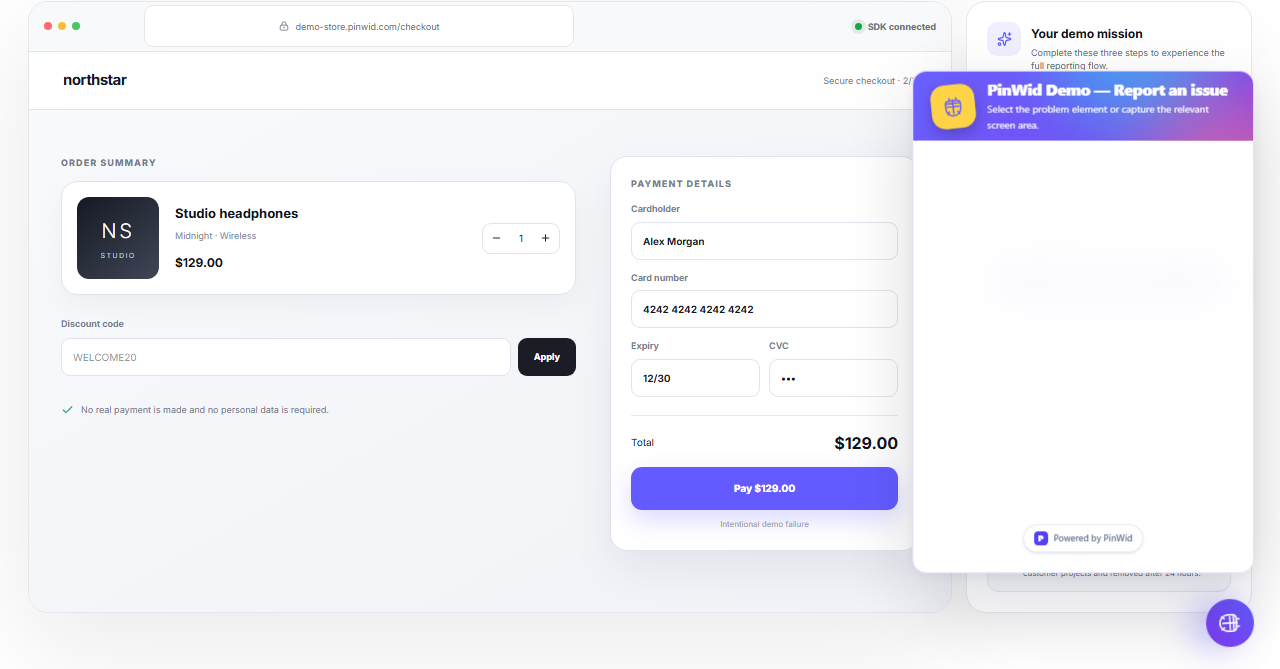
Select the launcher, choose a feedback type and mark the affected element or region when useful.
02
Write a useful description#
State what happened, what you expected and the shortest reliable reproduction steps.
- 1
Complete step 1, then verify the visible result.
- 2
Complete step 2, then verify the visible result.
- 3
Complete step 3, then verify the visible result.
- 4
Complete step 4, then verify the visible result.
03
Submit#
After Send feedback, the report appears in the selected project with its screenshot and technical context.
Search feedback...All statuses
#A18C2FCheckout payment failsBug · DevelopmentOpen