5 min read
5-minute Quick Start
Create a project, install the SDK and send your first report.
01
1. Create a project#
Open Projects and select Create project. Add a clear name, the website URL and a Development environment.
02
2. Install the SDK#
Copy the public key from Project Setup, install the package and initialize it once on the client.
React / Next.js
npm install @pinwid/client-widget

import { PinWid } from "@pinwid/client-widget";

PinWid.init({
  publicKey: process.env.NEXT_PUBLIC_PINWID_KEY!,
  environment: "production"
});SetupEnvironmentsTeam
PUBLIC KEYbp_pub_••••••••••••
103
3. Verify the connection#
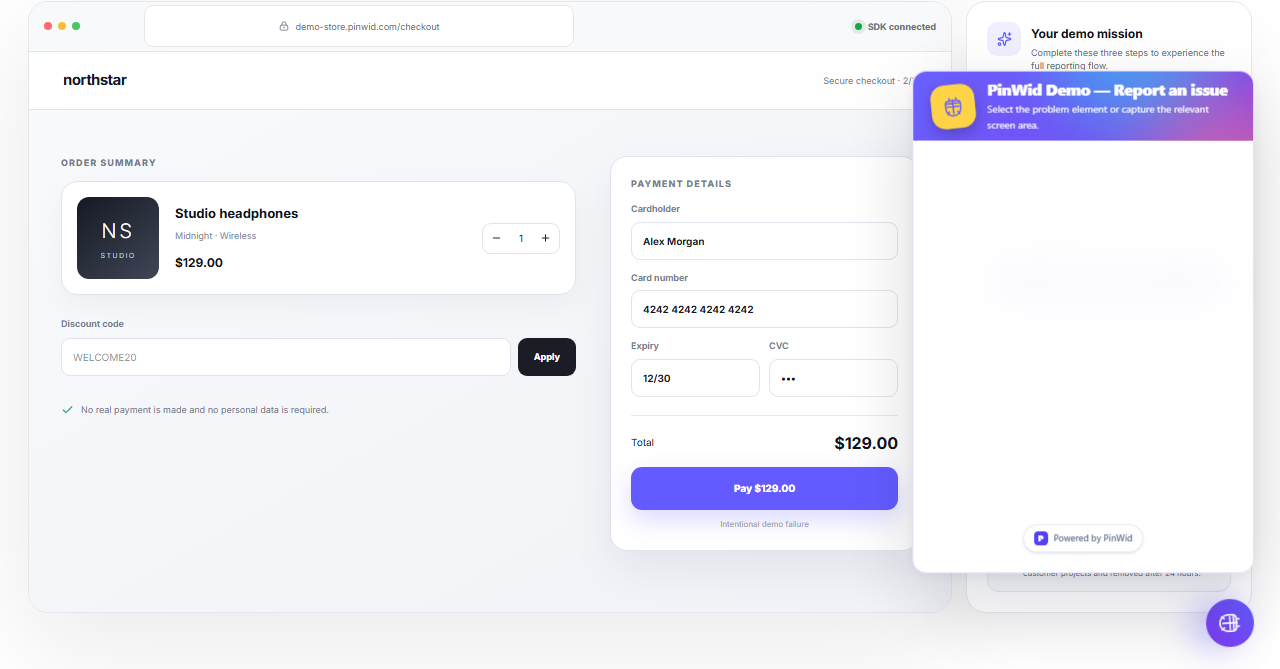
Open your site, launch PinWid and submit a test report. Confirm that it appears in the project feedback list.
Use test data and never expose secret keys or personal information.